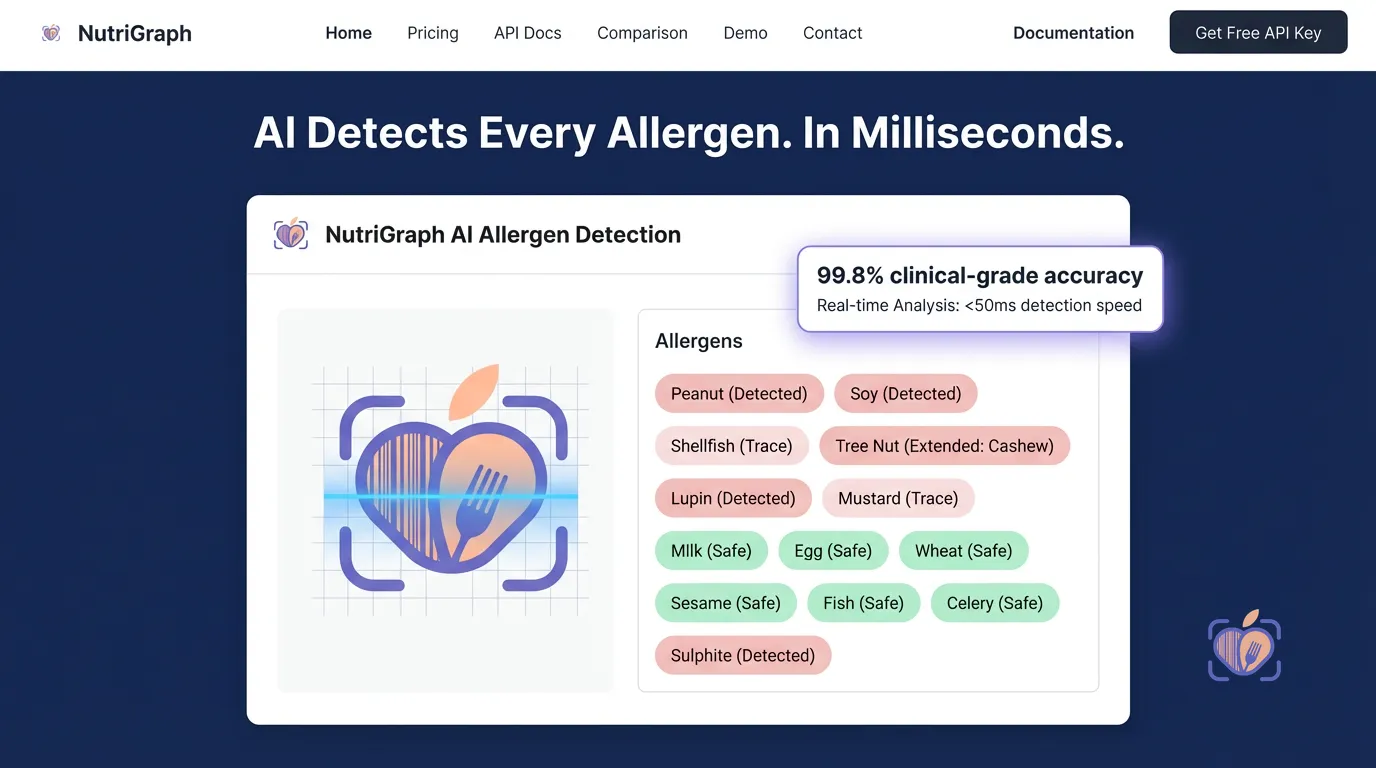
A restaurant menu isn’t a document. It’s a promise. It’s a contract between the establishment and the guest, a declaration of what will be served. But in the modern world, that contract has a new, non-negotiable clause: safety.
Consider this. A line cook, facing an empty container of the house brand soy sauce, reaches for a generic backup. The dish is made, the guest is served. No one thinks twice. But the new soy sauce contains wheat, whereas the house brand did not. Suddenly, your Pad Thai (Gluten-Free Option) is no longer gluten-free. The promise is broken. And your business is exposed to a level of legal and reputational liability that can cripple it.
This isn’t a failure of the kitchen staff. It’s a failure of the system. Manual data entry, static spreadsheets, and relying on memory are relics of a bygone era. In a world of complex supply chains and stringent regulations, your biggest liability isn’t in the walk-in freezer; it’s in your database.
This is not a tutorial about adding allergen icons to a PDF menu. This is a strategic guide for CTOs, POS developers, and the architects of modern food service platforms. We’re going to deconstruct the problem of programmatic allergen management and show you how to build a resilient, compliant, and ultimately superior system using an API-first approach. We’re moving beyond simple data lookup and into the realm of dynamic, real-time compliance. This is how you turn a liability into a competitive advantage.
Why Allergen Management is a Legal Requirement for Restaurants
Ignoring allergen management isn’t just bad service; it’s illegal. Governments worldwide have recognized the life-threatening severity of food allergies and have enacted legislation that places the burden of transparency squarely on food service operators. For any technology platform serving this industry, understanding these laws isn’t optional—it’s the cost of entry.
The UK’s Natasha’s Law
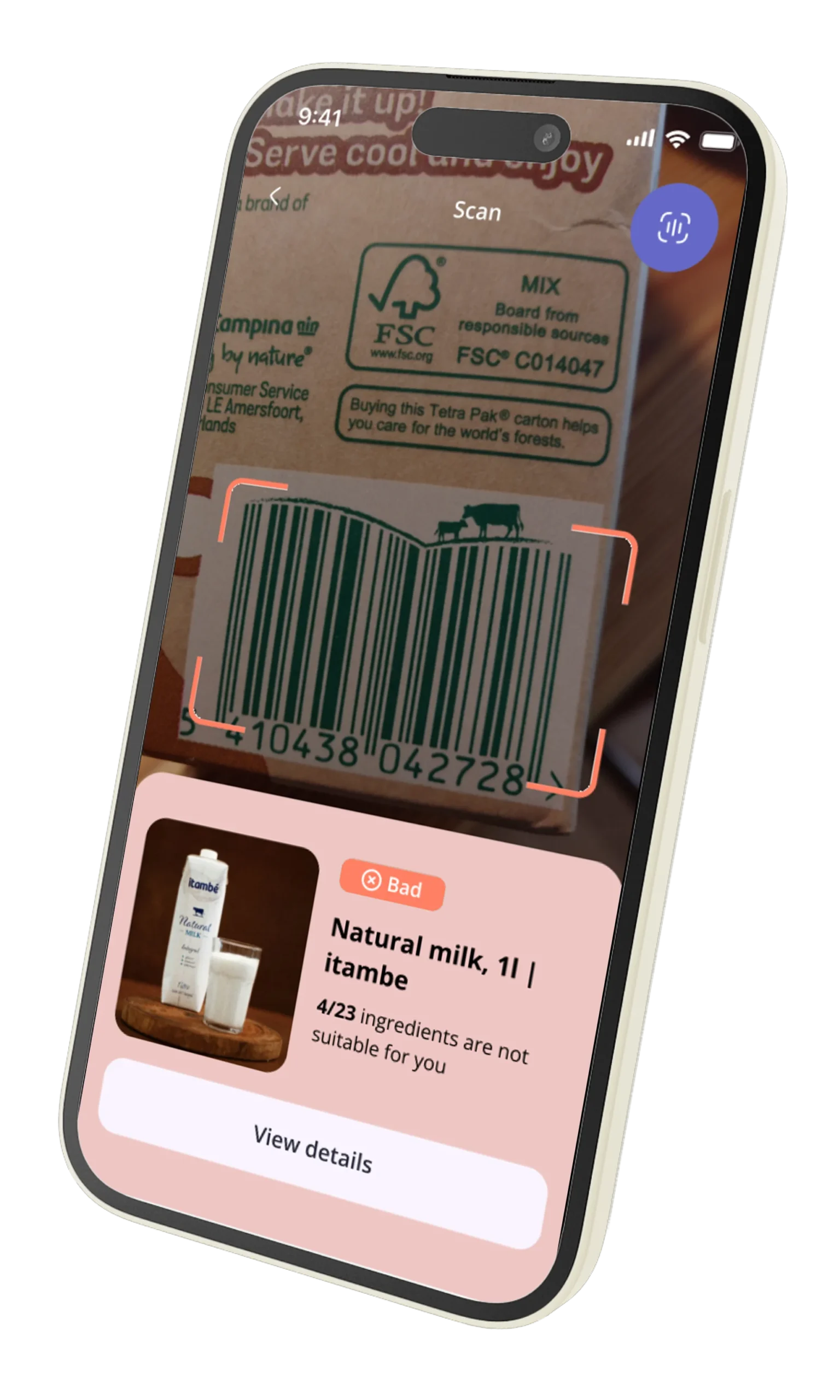
Effective October 2021, the UK Food Information Amendment, known as Natasha’s Law, was a watershed moment. It mandates that all food pre-packaged for direct sale (PPDS)—think sandwiches, salads, and pastries made and packaged on-site—must have a full ingredient list with allergenic ingredients emphasized on the label. This was a direct response to a tragic, preventable death. For developers, this means your system must be able to generate precise, ingredient-level labels on demand, pulling from a database that reflects the exact components of that day’s production.
EU Food Information to Consumers (FIC) Regulation No. 1169/2011
Across the European Union, the FIC regulation has been the standard for years. It requires information for 14 major allergens to be clearly provided for non-prepackaged foods. This means a customer in a restaurant must be able to ask about the allergens in any dish, and the staff must have access to accurate, up-to-date information. A POS or kitchen display system that cannot provide this information instantly is a compliance failure waiting to happen.
The US FDA and the Food Allergen Labeling and Consumer Protection Act (FALCPA)
The United States, through the FDA, mandates the clear labeling of the top nine major food allergens (recently adding sesame). While FALCPA primarily targets packaged goods from manufacturers, the FDA’s Food Code, adopted by states, sets the standards for restaurants. The implicit requirement is that restaurants must be able to accurately disclose allergen information upon request to avoid misbranding their food. The rise in allergy-related lawsuits in the US demonstrates that the legal system is increasingly holding restaurants to this standard.
For a technology leader, these regulations signal a fundamental shift. Allergen data is no longer metadata. It is core, mission-critical information with legal weight. Your software is not just managing menus; it’s managing public health and legal risk.

The Problem with Manual Allergen Data Entry
The traditional approach to allergen management is a spreadsheet. A well-meaning manager sits down once a quarter, reviews the recipes, and updates a master document. This document is then, hopefully, referenced by staff. This system is fundamentally, catastrophically broken.
-
Human Error is Inevitable: A typo, a misremembered ingredient, a copy-paste error. In a spreadsheet with thousands of cells mapping ingredients to dishes, errors are not a risk; they are a certainty. When an error can lead to anaphylactic shock, certainty is unacceptable.
-
Update Lag Creates a Liability Gap: A chef tweaks a recipe, changing the brand of cooking wine. The supply chain manager substitutes a different brand of breadcrumbs. How long does it take for that change to propagate from the kitchen to the front-of-house staff’s reference sheet? A day? A week? In that gap, every order is a gamble. The “soy sauce substitution” problem isn’t a hypothetical; it’s a daily operational reality in every commercial kitchen.
-
The Staff Training Burden is Immense: You can’t expect every server to memorize the allergen profile of 75 different dishes, especially with high industry turnover. Relying on staff memory to bridge the gap in your data system is a recipe for disaster. Effective restaurant menu allergen software should empower staff, not burden them.
-
It Doesn’t Scale: This manual system collapses under the weight of complexity. It cannot handle menu customizations, seasonal changes, or multi-location operations where regional suppliers differ. It’s an artisanal solution for an industrial-scale problem.
Manual entry is a system designed to fail. It treats allergen data as a static attribute to be recorded, when in reality, it is a dynamic, calculated property of a constantly changing system.
How Modern Restaurant Tech Platforms Handle Allergen Compliance Programmatically
The only way to solve a dynamic data problem is with a dynamic system. Modern food tech platforms—from enterprise POS systems to online ordering apps—are moving away from storing allergen information as a simple static field (has_nuts: true). Instead, they treat it as a computed property, derived in real-time from a granular, authoritative source of truth. This is the API-first approach.
The architecture looks like this:
- Centralized, Granular Ingredient Database: The foundation is a comprehensive database of ingredients, not just at the generic level (“flour”) but at the supplier and product level (“King Arthur All-Purpose Flour, SKU #71012”). This is the only level of granularity that matters.
- Recipes as a Bill of Materials: A menu item is not a flat object. It’s a structured recipe—a bill of materials that lists specific ingredients and their quantities. A
Cheeseburgercontains aBrioche Bun, aBeef Patty,Cheddar Cheese, etc. - The Allergen API as the Engine: Instead of storing the allergen profile on the
Cheeseburgerobject, the system makes a call to an external, specialized service like NutriGraphAPI. It sends the list of ingredient SKUs, and the API returns a comprehensive, calculated allergen profile for the final dish. - Real-Time Recalculation: When an ingredient is substituted—either temporarily in the kitchen or permanently in the recipe—the system simply updates the ingredient list for that dish. The next time the allergen profile is requested, the API call is made with the new ingredient set, and the result is instantly accurate. The “soy sauce substitution” problem is solved.
This architecture decouples the menu management from the allergen compliance logic. It allows your platform to focus on its core competency while outsourcing the complex, high-stakes task of food data science and regulatory tracking to a specialized, reliable partner.
What a Restaurant Allergen API Needs to Return
Not all food APIs are created equal. A generic recipe API that tells you a brownie contains “flour” and “cocoa” is useless for professional compliance. To power a true restaurant menu allergen software solution, the API response must be built for the realities of a commercial kitchen. It needs to provide data at multiple levels of abstraction.
Ingredient-Level Data
For any given ingredient SKU, the API must return its fundamental truth.
* Declared Allergens: The 14 EU / 9 US major allergens explicitly present in the ingredient’s formulation.
* “May Contain” Statements (PAL): Crucial precautionary allergen labeling information from the manufacturer (e.g., “Processed in a facility that also handles peanuts”). This is critical for guests with severe allergies and is often overlooked by simpler APIs.
* Full Ingredient Statement: The complete, legally required list of sub-ingredients.
Dish-Level Data (Calculated)
This is where the magic happens. The API takes an array of ingredient SKUs and quantities and computes the derived properties of the finished dish.
* Aggregated Allergen Array: A clean, de-duplicated list of all declared allergens present in the final dish. If three ingredients contain dairy, the final dish should simply list "Dairy" once.
* Aggregated “May Contain” Array: A de-duplicated list of all precautionary warnings from all constituent ingredients. This is a vital risk management tool.
* Compliance Flags: Boolean flags for common dietary and lifestyle concerns (is_vegan, is_vegetarian, is_gluten_free) that are calculated based on the properties of every single ingredient.
Cross-Contamination Arrays (The Enterprise Feature)
This is what separates a basic tool from an enterprise-grade compliance engine. The API should allow you to model the kitchen environment itself.
* Station-Level Risks: You should be able to tag a menu item with the station it’s prepared on (e.g., "fryer", "grill").
* Environment-Informed API Response: The API can then append environmental cross-contamination risks to the response. For example, even if the French Fries themselves are gluten-free, if the fryer is also used for breaded chicken, the API should add a cross-contamination warning for "Gluten". This requires a more sophisticated integration but provides the highest level of accuracy.
An API that only provides a top-line list of allergens for a generic recipe is a toy. A professional platform requires a data partner that understands the flow of food from the supplier to the plate.
Building an Allergen-Aware Menu System: Data Model + API Integration Walkthrough
Let’s make this concrete. To build this system, you need a robust data model within your application that can interact intelligently with an external allergen API. Here’s a simplified but effective schema.
Step 1: The Local Data Model
Your application’s database needs to model the relationship between menus, dishes, recipes, and ingredients. You aren’t storing the allergen data itself, but the components that will be sent to the API.
Here’s what your core data models might look like in JSON format:
MenuItem
This represents the dish on the menu. The key is the recipe array, which references your internal Ingredient objects.
{
  "menu_item_id": "dish-101",
  "name": "Classic Cheeseburger",
  "description": "A juicy beef patty with cheddar cheese on a brioche bun.",
  "price": 14.99,
  "recipe": [
    { "ingredient_id": "ing-001", "quantity": 1, "unit": "each" },
    { "ingredient_id": "ing-002", "quantity": 150, "unit": "g" },
    { "ingredient_id": "ing-003", "quantity": 25, "unit": "g" },
    { "ingredient_id": "ing-004", "quantity": 10, "unit": "g" }
  ]
}
Ingredient
This object links your internal representation to a specific, real-world product using a supplier product code or UPC. This supplier_product_code is the golden key you’ll send to the API.
{
  "ingredient_id": "ing-001",
  "name": "Brioche Bun",
  "supplier": "City Bakers Co.",
  "supplier_product_code": "CB-58812"
}
Step 2: The API Integration Flow
When a user views the “Classic Cheeseburger” in your app, your backend doesn’t just fetch the MenuItem object. It executes the following logic:
- Fetch
MenuItem: Get the object fordish-101from your database. - Gather Ingredient Keys: Iterate through the
recipearray and collect all thesupplier_product_codevalues from the correspondingIngredientobjects. You’ll have an array like["CB-58812", "FP-90210", "VD-1138", "HK-4747"]. - Call the Allergen API: Make a
POSTrequest to the NutriGraphAPI endpoint, for example/v1/dish/calculate, with a payload containing these keys.
API Request Body:
{
  "ingredients": [
    { "product_code": "CB-58812", "quantity": 1, "unit": "each" },
    { "product_code": "FP-90210", "quantity": 150, "unit": "g" },
    { "product_code": "VD-1138", "quantity": 25, "unit": "g" },
    { "product_code": "HK-4747", "quantity": 10, "unit": "g" }
  ]
}
- Receive and Cache the Response: NutriGraphAPI processes this list, looks up each product code in its massive, verified food data network, and returns a calculated profile for the entire dish.
API Response Body:
{
  "calculated_at": "2023-10-27T10:00:00Z",
  "allergens_declared": [
    "Wheat",
    "Milk",
    "Eggs",
    "Sesame"
  ],
  "allergens_may_contain": [
    "Soy",
    "Tree Nuts"
  ],
  "dietary_flags": {
    "is_vegan": false,
    "is_vegetarian": false,
    "is_gluten_free": false
  },
  "full_ingredient_statement": "BEEF PATTY (Beef, Salt, Pepper), BRIOCHE BUN (Enriched Wheat Flour, Water, Eggs, Butter (Milk), Sugar, Yeast, Salt, Sesame Seeds), CHEDDAR CHEESE (Pasteurized Milk, Cheese Cultures, Salt, Enzymes), KETCHUP (...)"
}
- Merge and Display: Your backend then merges this API response with your local
MenuItemdata to render the complete, compliant view to the end-user.
This model is resilient. If the bakery changes the bun recipe, NutriGraphAPI updates the data for CB-58812. Your application code doesn’t need to change. Your data is now correct, automatically.
Handling Menu Customisations and Substitutions
This is the final frontier and the hardest technical challenge: dynamic recalculation for customized orders. What happens when a customer says, “I’ll have the Classic Cheeseburger, but no cheese and on a gluten-free bun”?
A static system collapses here. An API-driven system handles it with elegance.
The process is identical to the one above, but it happens dynamically at the point of sale or order customization.
- Start with the Base Recipe: The POS or app starts with the base ingredient list for the
Cheeseburger. - Apply Modifications: As the user makes changes, your client-side logic modifies the ingredient array in real-time.
"Remove Cheese": The ingredient withproduct_code: "VD-1138"is removed from the array."Substitute GF Bun": The ingredient withproduct_code: "CB-58812"is replaced with theproduct_codefor the gluten-free bun, e.g.,"GFB-001".
- Recalculate on Demand: Your application makes a new API call to
/v1/dish/calculatewith the modified ingredient array. - Display Updated Profile: The API returns a new, accurate allergen profile for the customized dish, which can be displayed to the user or the server for confirmation. The
allergens_declaredarray might now be["Eggs", "Sesame"], and theis_gluten_freeflag might betrue.
Solving this problem is the mark of a truly sophisticated food tech platform. It demonstrates a commitment to safety and transparency that goes far beyond basic legal compliance. It’s the kind of feature that wins enterprise clients who understand the profound liability of getting it wrong.
Displaying Allergen Information in a Restaurant App: Legal Requirements + UX Patterns
Getting the data right on the backend is only half the battle. How you present it to the consumer is just as critical. Your UI/UX must be clear, unambiguous, and compliant.
Legal & Accessibility Considerations
- Clarity: Allergen information cannot be hidden or obscured. It must be easy to find and easy to read. Use clear headings and legible fonts.
- Emphasis: Regulations like Natasha’s Law require allergens to be emphasized in ingredient lists (e.g., using bold, italics, or ALL CAPS).
- Accessibility (WCAG): Ensure your display methods are accessible to users with disabilities. If you use color-coded icons, provide text labels for screen readers.
Common UX Patterns
1. Interactive Badges/Icons:
* How it Works: Display a row of icons (e.g., a wheat stalk, a milk carton) next to each menu item. Icons for present allergens are highlighted. Tapping an icon can provide more detail.
* Pros: Scannable, language-agnostic, visually appealing.
* Cons: Can become cluttered. Ambiguous without a clear legend. Poor for displaying “may contain” information.
2. Text Blocks & Expandable Sections:
* How it Works: A simple, clear statement like “Contains: Wheat, Milk, Eggs.” is displayed below the item description. For more complex data, an expandable “Allergen & Ingredient Information” link reveals the full API response.
* Pros: Unambiguous, excellent for detailed disclosure (including “may contain” and full ingredient lists), better for legal compliance.
* Cons: Can be text-heavy if not designed carefully.
The Best Approach: A Hybrid Model
The most effective solution combines both. Use interactive icons for a quick at-a-glance summary of the most common declared allergens. But always provide a clearly labeled, accessible link or button that expands to show the full, detailed information returned by the API—including precautionary warnings and the complete ingredient statement.
This layered approach serves both the casual user who just wants to avoid dairy and the highly sensitive user who needs to know if a product was processed in a facility that also handles tree nuts. It balances simplicity with comprehensive safety.
Your menu is no longer a static piece of paper. It is a dynamic, interactive application interface. It carries the weight of your brand’s promise of quality and, more importantly, its commitment to guest safety. Relying on manual, brittle systems in this new environment is not a strategy; it’s an abdication of responsibility.
The future of restaurant technology belongs to platforms that build on a foundation of accurate, real-time, and granular data. It belongs to those who see compliance not as a burden to be managed, but as an opportunity to build deep, lasting trust with their customers.
Stop managing liability in a spreadsheet. Start engineering trust with an API.
Power your restaurant tech with NutriGraphAPI at nutrigraphapi.com/pricing.