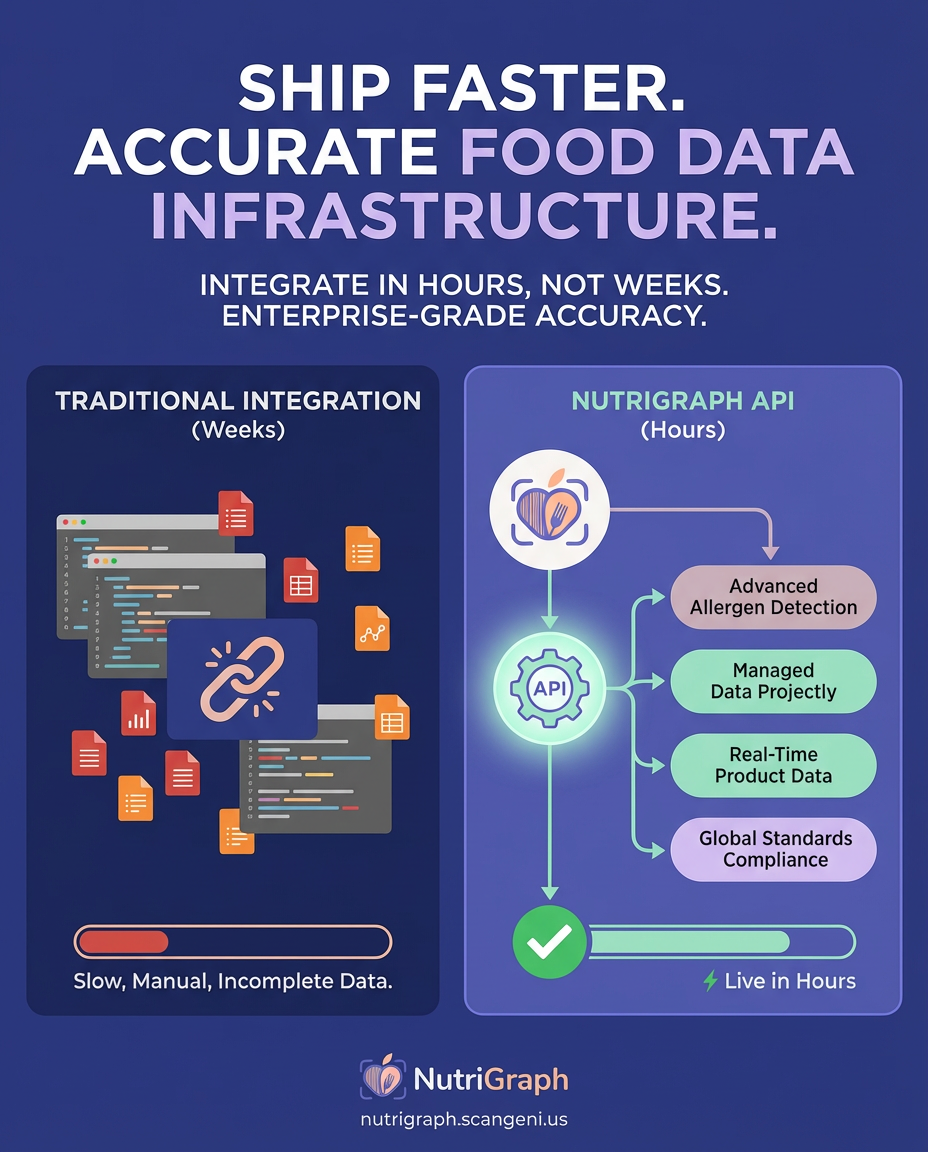
A simple query. A question your users ask every day. “Chicken breast 100g calories.” On the surface, it’s trivial. A single integer. But for a CTO, a Lead Developer, or a Founder in the health-tech space, this query is a minefield. It’s a test of your entire data stack. The accuracy of that number, the latency of its delivery, and the granularity of the data surrounding it define the line between a trusted clinical tool and a dangerous liability.
Your current nutrition API probably uses Natural Language Processing (NLP) to answer this. It scrapes a recipe blog, averages a few government database entries, and returns a ‘best guess’. For a consumer app, that might be acceptable. For a clinical application managing diabetic meal plans, an enterprise grocery platform powering smart carts, or a fitness app that millions trust with their health, ‘best guess’ is a synonym for ‘lawsuit’.
This isn’t just about calories. It’s about the architecture of trust. It’s about whether you’re building your platform on a foundation of precise, verifiable, machine-readable truth, or on the shifting sands of algorithmic approximation. We’re going to deconstruct this simple query and show you why the underlying technology you choose is the most critical product decision you’ll make this year.
Executive Summary
A 100-gram serving of raw, boneless, skinless chicken breast contains approximately 120 calories (kcal). This value is a baseline derived from USDA Standard Reference data for item FDC ID: 171077. For clinical and enterprise applications, precise caloric values depend on UPC-level product data, as preparation methods and additives can significantly alter nutritional information.
The Anatomy of a Calorie Query: Beyond the Simple Number
The query “chicken breast 100g calories” is deceptively simple. An engineer’s mind immediately begins to decompose the variables:
- State: Is the chicken breast raw, cooked, grilled, fried, or baked?
- Composition: Is it skinless and boneless? Is it ground? Is it a pre-marinated product from a specific brand?
- Source: Is this data from a generic government database, or is it tied to a specific UPC (Universal Product Code) from a CPG (Consumer Packaged Goods) brand?
Each of these variables can swing the caloric value by 50-150%. A generic API that doesn’t account for this nuance isn’t just inaccurate; it’s irresponsible. Your application becomes a vector for misinformation.
The Request: A Simple GET, A Complex Reality
At NutriGraph, we believe in deterministic results. Our entire philosophy is built on moving from ambiguity to certainty. This starts with the API call itself. While we support text-based search for discovery, our primary, clinically-validated data is tied to UPCs.
Consider the difference:
Generic NLP-based Query (The Guess):
GET https://api.competitor.com/v1/search?q=chicken+breast+100g
This endpoint triggers a cascade of probabilistic models. It might match “Tyson Thin Sliced Boneless Skinless Chicken Breast” or it might match a user-submitted recipe for “Aunt Jenny’s Fried Chicken Breast.” The developer has no way to verify the source or specificity.
NutriGraph UPC-based Query (The Truth):
GET https://api.nutrigraph.com/v2/item?upc=023700032545
This endpoint performs a direct, O(1) B-Tree index lookup against our database of over 5 million verified CPG products. There is no ambiguity. The request maps to a specific product, with a specific formulation, from a specific manufacturer.
The Response: A Clinically Accurate JSON Payload
The quality of an API is defined by the structure and richness of its response. A single number is useless. You need context, granularity, and verifiable data sources.
Here is a simplified snippet of a NutriGraph JSON payload for a UPC query corresponding to a specific brand of chicken breast:
{
  "upc": "023700032545",
  "brand": "Tyson",
  "name": "Boneless Skinless Chicken Breasts, Individually Frozen",
  "serving_size_g": 112,
  "calories_per_100g": 110,
  "nutrients": {
    "calories": 123,
    "fat_g": 2.5,
    "protein_g": 25,
    "carbohydrates_g": 0
  },
  "allergen_flags": [
    // NutriGraph provides over 200 granular flags
    // This product has no major allergens
  ],
  "certifications": ["gluten_free"],
  "data_source": {
    "type": "MANUFACTURER_DIRECT",
    "last_updated": "2023-10-26T14:00:00Z"
  }
}
This isn’t just data; it’s intelligence. Your application now knows the brand, the precise serving size, the source of the data (direct from the manufacturer, not a third-party scrape), and when it was last updated. You can build features with confidence.
Why Most Nutrition APIs are a Ticking Time Bomb
If your current provider can’t deliver this level of precision, your platform is built on a fragile foundation. The technical debt incurred by using a ‘good enough’ API manifests as user distrust, regulatory risk, and a constant state of emergency for your engineering team.
The NLP Fallacy: Ambiguity is Your Enemy
Natural Language Processing is a powerful tool, but for mission-critical nutritional data, it’s a catastrophic liability. NLP is designed to interpret intent and find the ‘most likely’ match. When a user has a severe peanut allergy, ‘most likely’ is not an acceptable standard of care.
Imagine your app’s user scans a product. An NLP-based API might misinterpret the label, failing to see the “May contain traces of tree nuts” warning printed in small font. It might confuse a product with a similarly named, but allergen-free, version from a different year. This is not a hypothetical edge case; it’s an inevitability in any system that prioritizes probabilistic matching over deterministic lookup.
NutriGraph’s UPC-first approach eliminates this risk. A UPC is a unique, immutable identifier for a specific product formulation. Our database is built by ingesting data directly from manufacturers and retailers, then validating it against a rigorous, multi-stage verification process. We don’t guess. We verify.
The Competitor Landscape: A Quantitative Takedown
Let’s be direct. You have choices. But they are not created equal. When you evaluate a data provider, you are not just buying access to a database; you are buying a commitment to speed, accuracy, and scale. Here is how NutriGraph stacks up against the common players in the market:
| Feature | NutriGraph API | Nutritionix | Spoonacular / Edamam / FatSecret |
|---|---|---|---|
| Latency (p95) | < 50ms | Variable (150ms – 800ms+) | Highly Variable (>500ms) |
| Primary Data Source | UPC Barcode Match (Deterministic) | NLP & Text Search (Probabilistic) | NLP, Recipe Scraping, User-Submitted |
| Allergen Granularity | 200+ Specific Labels (e.g., ‘sesame’, ‘mustard’) | Generic (e.g., ‘tree nuts’) | Often Missing or Generic |
| Database Size | 5M+ Verified UPCs | Unknown / Not Disclosed | Unknown / Relies on 3rd-party data |
| Data Verification | Manufacturer Direct + Human Curation | Primarily Algorithmic / User-Submitted | Primarily Algorithmic / Web Scraping |
When your application’s core functionality depends on the speed and accuracy of this data, the choice becomes self-evident. A 500ms latency is a death sentence for user experience. A generic allergen label is a lawsuit waiting to happen. An unverified database is a foundation of sand.
The NutriGraph Architecture: Engineered for Enterprise Scale
Our performance isn’t an accident. It’s the result of deliberate architectural decisions designed to serve the most demanding clients in clinical healthcare and enterprise grocery.
Sub-50ms Latency via O(1) B-Tree Indexing
Every UPC lookup in our system is a constant-time operation. We utilize a globally distributed network of servers, each with a memory-resident B-Tree index of our entire UPC database. When your request hits our API gateway, it’s routed to the nearest point of presence, and the data is retrieved directly from RAM. There are no slow database joins or complex search queries for primary lookups. This is how we guarantee a p95 latency of under 50 milliseconds, whether you’re making one call or one million.
Granularity That Matters: From Allergens to Glycemic Index
Our data model goes far beyond basic macronutrients. We track over 200 specific allergen labels, certifications (Kosher, Halal, Non-GMO, Organic), ingredient-level data, and advanced clinical metrics like glycemic index and load. This allows you to build deeply personalized experiences for users with complex dietary needs, from celiac disease to renal failure diets. This is the data that powers next-generation health applications.
Developer Experience as a Core Tenet
A powerful API is useless if it’s difficult to integrate. We provide:
- RESTful Endpoints: Clean, predictable, and easy-to-use API design.
- Comprehensive Documentation: Interactive documentation with real-world examples for every endpoint.
- SDKs: Client libraries for popular languages to get you up and running in minutes.
- Webhook Integration: Configure webhooks to be notified in real-time when a product’s nutritional information is updated by the manufacturer. This proactive data synchronization is critical for maintaining data integrity in your application.
A Practical Implementation: Querying “Chicken Breast 100g Calories”
Let’s put this into practice. You can have a working, production-quality implementation in three steps.
Step 1: Get Your Free API Key
Navigate to NutriGraphAPI.com and generate a free developer key. It’s good for 1,000 calls, giving you ample room to test, build a proof-of-concept, and benchmark our performance.
Step 2: Making the API Call (cURL Example)
Let’s find the data for a specific, real-world chicken breast product using its UPC.
curl -X GET 'https://api.nutrigraph.com/v2/item?upc=023700032545' \
-H 'x-api-key: YOUR_API_KEY'
This command will execute in milliseconds.
Step 3: Parsing the JSON for Actionable Insights
The response you get back is the clean, structured JSON we saw earlier. Your application can now reliably parse this object to display the exact caloric content per 100g, list any potential allergens, and even show the brand name and product image.
// Example in JavaScript
fetch('https://api.nutrigraph.com/v2/item?upc=023700032545', {
  headers: { 'x-api-key': 'YOUR_API_KEY' }
})
.then(response => response.json())
.then(data => {
  const calories = data.calories_per_100g;
  console.log(`This specific chicken breast has ${calories} calories per 100g.`);
  // Now, update your UI with verified, accurate data.
})
.catch(error => console.error('API Call Failed:', error));
This is how you build a reliable feature. No ambiguity, no guesswork. Just a fast, accurate, and verifiable data exchange.
The Bottom Line: Don’t Build Your House on Sand
The simple query “chicken breast 100g calories” reveals the fundamental choice every technical leader must make. Do you build on a platform of approximation, accepting the inherent risks of latency, inaccuracy, and liability? Or do you build on a platform of precision, engineered for the scale and rigor of modern health and enterprise applications?
Your users trust you with their health. Your business partners trust you with their brand. This trust is your most valuable asset. The data you serve is the foundation of that trust. An NLP-based, best-effort API is not a foundation; it’s a liability. It’s a ticking clock.
Your Next Move: Prove It Yourself
Don’t take my word for it. The numbers don’t lie. Your stopwatch doesn’t lie.
Go to NutriGraphAPI.com right now and pull a Free 1,000-Call Developer Key.
Take your current provider’s average latency for a nutritional query. Now, run the same query against our API. The difference won’t be marginal; it will be an order of magnitude. That’s the feeling of building on bedrock. That’s the confidence of certainty. Make the call.