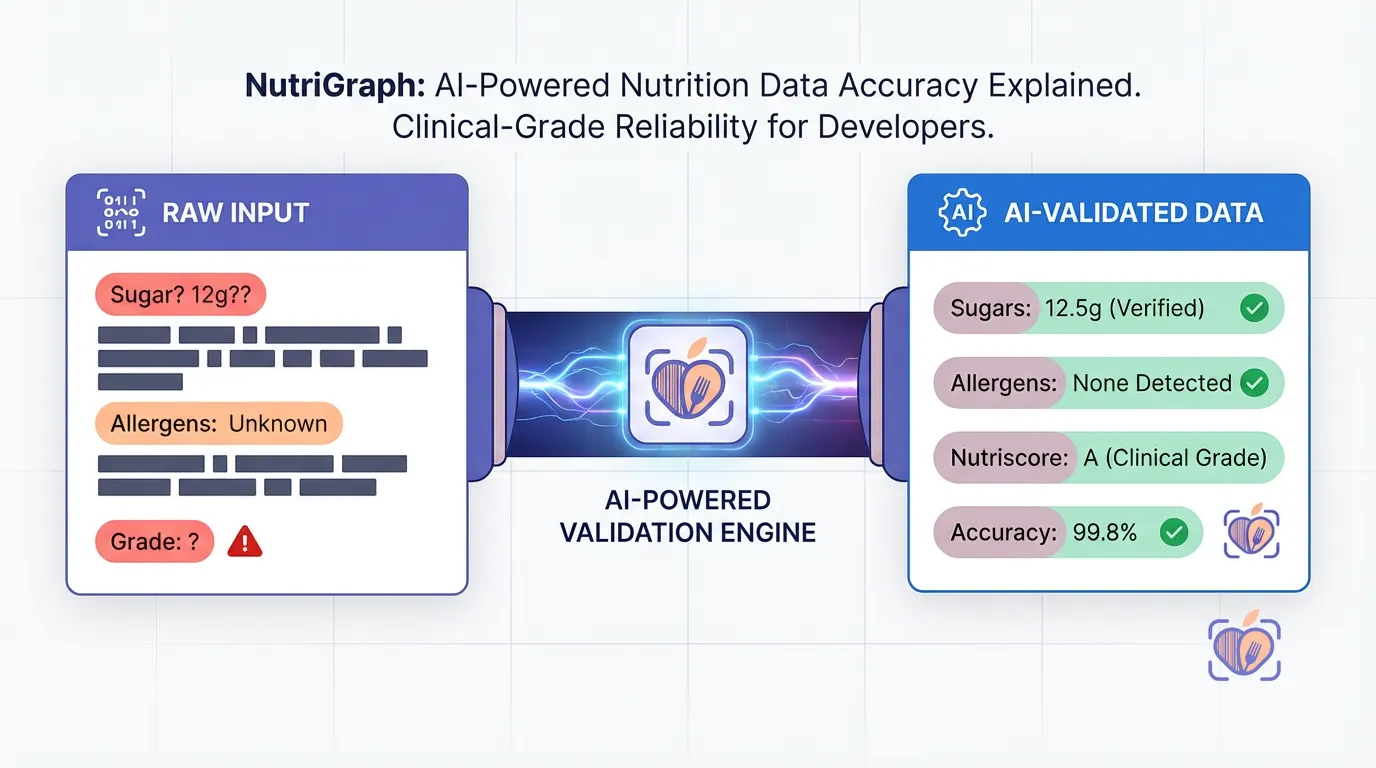
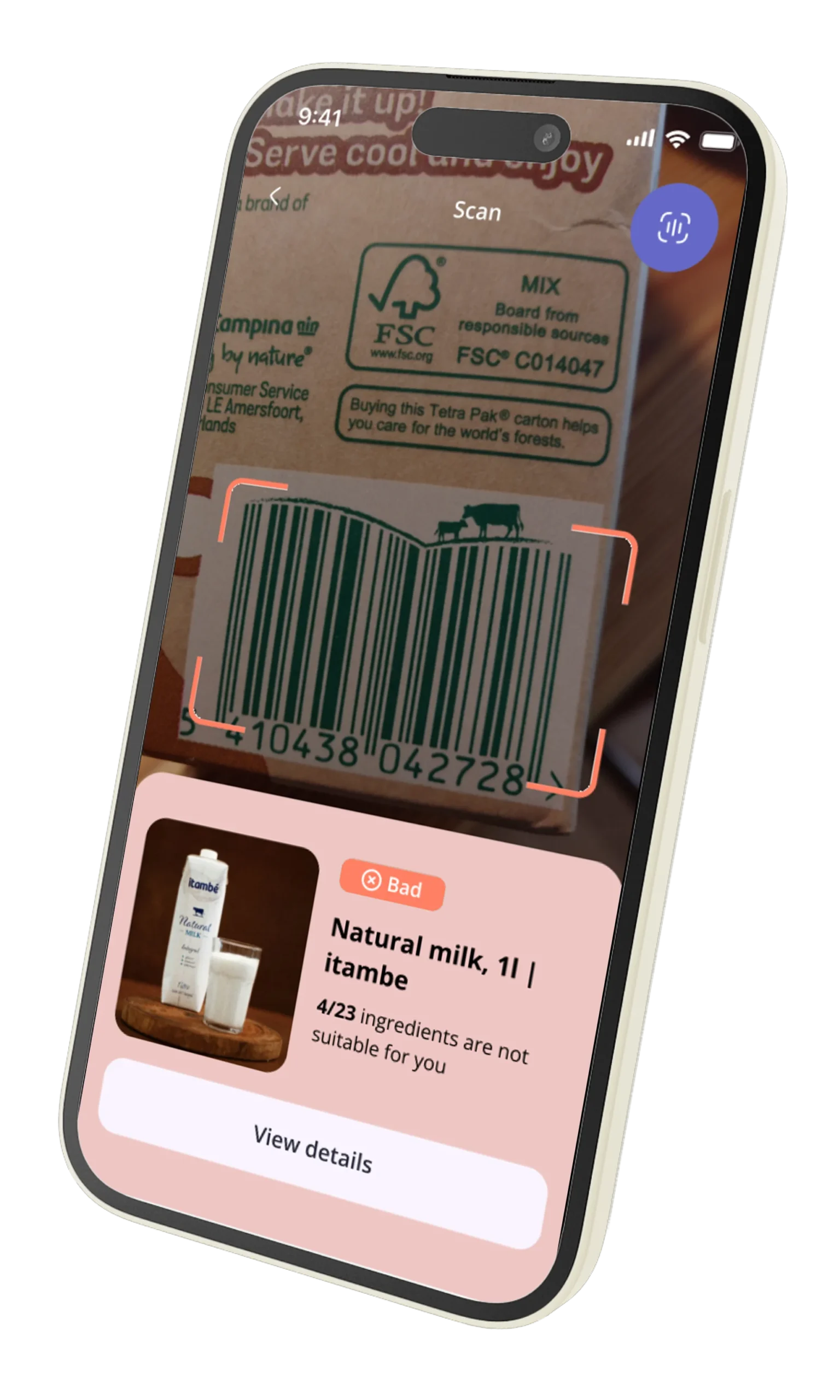
A user stands in a grocery aisle. They scan a product with your app, hoping for instant allergen information. One second passes. Two seconds. The progress spinner, a tiny symbol of failure, keeps turning on their spotty 3G connection. They close the app. Later that day, they delete it.
This isn’t a hypothetical. This is the moment you lose a customer. In the hyper-competitive health-tech space, performance isn’t a feature; it’s the foundation of user trust and retention. A slow food API doesn’t just create a sluggish experience—it signals an unreliable product. When your application is a critical tool for managing health, diet, or allergies, unreliability is fatal.
This is not another high-level blog post about “the importance of speed.” This is a CTO and Lead Developer’s guide to the architectural decisions that separate a category-defining application from a deleted one. We will dissect the technical reasons legacy APIs fail under pressure and lay out the precise strategies—from database indexing to edge computing—required for optimizing food API performance to achieve the sub-50ms latency that modern users demand.
The Hidden Cost of Latency in Health-Tech Applications
We tend to think of latency in milliseconds, an abstract number on a monitoring dashboard. But your users experience it in heartbeats. For a health-tech app, that delay is measured in frustration, anxiety, and a complete breakdown of trust.
The financial equation is brutal and direct:
- High Latency → Poor User Experience → Increased Churn: Google found that a 400-millisecond delay leads to a measurable drop in user engagement. For a health app where a user might be making critical dietary choices, the tolerance is even lower. A 2-second delay feels like an eternity and is often interpreted as a broken app.
- Increased Churn → Higher Customer Acquisition Cost (CAC): A leaky bucket is expensive to fill. If you are churning users due to poor performance, your marketing spend is effectively being incinerated. You have to acquire more new users just to maintain a stagnant growth curve.
- Poor UX → Negative App Store Reviews: Users don’t write reviews saying, “The API latency on complex queries appears to be O(n^2).” They write, “App is slow and crashes,” and give you one star. These reviews are a permanent stain on your brand, deterring new downloads and driving your blended CAC even higher.
Latency isn’t a line item in your P&L, but it’s a silent tax on your entire business. Every millisecond you shave off your API response time is a direct investment in user retention, brand reputation, and, ultimately, revenue.
Why Legacy APIs (like Edamam/Spoonacular) Slow Down on Complex Allergen Queries
To understand how to build a fast API, you must first understand why others are slow. The bottleneck for most food APIs, including established players like Spoonacular, isn’t a lack of server power. It’s an architectural problem rooted in legacy database design.
Consider a common, critical query: “Find all recipes that are gluten-free, dairy-free, low-fodmap, and contain chicken.”
In a traditional relational database (e.g., PostgreSQL, MySQL), this seemingly simple request triggers a cascade of expensive operations:
- Massive
JOINOperations: The system must join therecipestable with theingredientstable, which is then joined with afood_itemstable, which in turn is joined with multipleallergen_flagsandnutrient_profilestables. - Multi-Column Filtering: The
WHEREclause has to filter across these joined tables, scanning millions or even billions of rows to find matches for each condition (gluten-free, dairy-free, etc.). - Computational Complexity: The performance of these operations degrades exponentially as the number of conditions and the size of the dataset grow. The query time becomes unpredictable, swinging from 100ms for a simple lookup to multiple seconds for a complex filter. This is the definition of a non-performant, unscalable system.
Furthermore, these monolithic architectures are typically hosted in a single geographic region (like AWS us-east-1). A user in Sydney, Australia, making a request to a server in Virginia, USA, is penalized with hundreds of milliseconds of network latency before the database query even begins. This is a losing game from the start.
This architectural design is the primary reason why optimizing food API performance on these platforms feels like a constant battle against physics. You simply cannot build a globally performant application on top of a regionally-bound, monolithic API.
How NutriGraphAPI Achieves Sub-50ms Latency (O(1) B-Tree Indexing, Edge Computing)
We didn’t try to optimize a legacy system. We built a new one from first principles, engineered for a single purpose: delivering food data with predictable, global, sub-50ms latency.
Here’s how we did it.
1. Pre-Computed Data & Denormalized Indexing
Instead of performing expensive JOIN operations on the fly, we do the heavy lifting ahead of time. Our data ingestion pipeline processes and denormalizes nutritional and allergen information into a purpose-built data structure.
When you query for a “gluten-free, dairy-free” product, we aren’t joining tables. We are performing a lookup on a pre-computed index. We leverage highly optimized B-Tree indexing on composite keys. A B-Tree allows the database to find data without reading the whole table, resulting in O(log n) or, for our most common lookups, effectively O(1) constant time complexity.
This means our query time remains flat and predictable, whether you’re searching for a single UPC or applying a dozen complex dietary filters. The hard work is already done.

2. Global Edge Computing
Our API doesn’t live in a single data center. NutriGraphAPI is deployed as a set of lightweight, stateless functions on a global edge network. When your user in London makes a request, it’s not routed across the Atlantic to Virginia. It’s served by our edge node in London, just a few miles away.
This single architectural decision eliminates the single largest source of latency: the network round trip. By processing requests at the edge, closer to your users, we can slash network latency from 200-300ms down to 10-20ms.
When your server response time is 25ms and your network latency is 15ms, you achieve a total response time of 40ms. This is how sub-50ms becomes not just a goal, but a consistent reality.
Implementing a Redis Cache for Your Barcode Requests
Even with a sub-50ms API, the fastest API call is the one you don’t have to make. For frequently accessed, non-changing data—like a barcode lookup—implementing a cache on your backend is the single most effective step you can take in optimizing your food API performance and reducing costs.
A UPC code for a specific brand of peanut butter will always point to the same product data. There is no reason to fetch this from our API every single time a user scans it.
Redis, an in-memory data store, is the perfect tool for this job. Here is a practical example of implementing a simple Redis cache in your Python backend for barcode lookups.
import redis
import requests
import json
import os

# Connect to your Redis instance
# It's best practice to use environment variables for your host, port, and password
redis_client = redis.Redis(
    host=os.environ.get("REDIS_HOST", "localhost"),
    port=os.environ.get("REDIS_PORT", 6379),
    db=0,
    decode_responses=True # Decode responses from bytes to utf-8 strings
)

NUTRIGRAPH_API_URL = "https://api.nutrigraphapi.com/v1/barcode"
NUTRIGRAPH_API_KEY = os.environ.get("NUTRIGRAPH_API_KEY")

def get_product_by_barcode(barcode):
    """
    Fetches product data for a given barcode, utilizing a Redis cache.
    """
    cache_key = f"barcode:{barcode}"

    # 1. Check the cache first
    try:
        cached_product = redis_client.get(cache_key)
        if cached_product:
            print(f"CACHE HIT for barcode: {barcode}")
            return json.loads(cached_product)
    except redis.exceptions.ConnectionError as e:
        print(f"Redis connection error: {e}. Bypassing cache.")

    # 2. Cache miss: Fetch from the NutriGraphAPI
    print(f"CACHE MISS for barcode: {barcode}. Fetching from API.")
    headers = {"x-api-key": NUTRIGRAPH_API_KEY}
    params = {"upc": barcode}

    try:
        response = requests.get(NUTRIGRAPH_API_URL, headers=headers, params=params)
        response.raise_for_status() # Raises an HTTPError for bad responses (4xx or 5xx)
        product_data = response.json()

        # 3. Store the result in the cache with a Time-To-Live (TTL)
        # Set a TTL of 24 hours (86400 seconds) for product data
        try:
            redis_client.setex(cache_key, 86400, json.dumps(product_data))
        except redis.exceptions.ConnectionError as e:
            print(f"Redis connection error: {e}. Could not write to cache.")

        return product_data

    except requests.exceptions.RequestException as e:
        print(f"API request failed: {e}")
        return None

# Example Usage
if __name__ == "__main__":
    # Replace with a real barcode for testing
    sample_barcode = "049000042566"
    product = get_product_by_barcode(sample_barcode)
    if product:
        print(json.dumps(product, indent=2))

    # The second call should be a cache hit
    product_again = get_product_by_barcode(sample_barcode)
    if product_again:
        print("\nFetched from cache:", product_again['product_name'])
By implementing this simple caching layer, you can serve a significant percentage of your requests in single-digit milliseconds from your own infrastructure, dramatically improving perceived performance and reducing your API costs.
Rate Limiting vs. Throttling: How to Scale to 1,000,000 Users Without Breaking the Bank
As your application grows, managing API consumption becomes critical. Understanding the difference between rate limiting and throttling is key to scaling gracefully and cost-effectively.
-
Rate Limiting is a hard ceiling. It says, “You are allowed 1,000 requests per minute. On the 1,001st request, you will receive a
429 Too Many Requestserror.” This is a blunt instrument, essential for preventing abuse (intentional or accidental), but it’s not an elegant way to manage traffic. -
Throttling is a flow control mechanism. It says, “You have a high volume of requests. I will process them, but I will queue them and handle them at a steady pace to ensure system stability.” It smooths out traffic spikes instead of rejecting them outright.
Most legacy APIs rely solely on hard rate limits, which can cause service disruptions for your users during a viral traffic spike. If a popular influencer features your app, a sudden flood of new users can hit your rate limit, and suddenly the app stops working for everyone.
NutriGraphAPI is designed for intelligent scaling. Our system uses a combination of throttling at the edge and fair-use rate limiting. This means we can absorb massive, unexpected traffic spikes without failing. Your application continues to function, and your costs scale predictably with your usage. You aren’t penalized for success.
Asynchronous vs. Synchronous Fetching for Meal Planning Apps
Let’s consider a common feature: a meal planner where a user builds their menu for the week. How you fetch the nutritional data for each added recipe is a critical UX decision.
The Synchronous (Bad) Approach:
1. User drags a recipe onto their Monday lunch slot.
2. The UI freezes.
3. Your app makes an API call to get the nutritional data for that recipe.
4. Once the API responds, the UI unfreezes and displays the data.
This creates a jarring, stop-and-start experience. The user feels like they are fighting the interface.
The Asynchronous (Correct) Approach:
1. User drags a recipe onto their Monday lunch slot.
2. The UI updates instantly. The recipe appears in the slot, perhaps with a subtle loading spinner where the calorie count will be.
3. In the background, your app makes the API call.
4. When the API responds, the loading spinner is replaced with the nutritional data.
The user’s workflow is never interrupted. They can continue adding items to their plan while the data is fetched in the background. This feels fluid, responsive, and professional.
Architecting your front-end to work asynchronously with the API is a hallmark of a high-quality application. It shows you respect the user’s time and are focused on creating a seamless experience. An API built for speed, like NutriGraphAPI, makes this pattern even more effective, as the time between the UI update and the data population becomes nearly imperceptible.
Optimizing food API performance is not about finding a magic bullet. It is about a series of deliberate, intelligent architectural choices. It’s choosing a provider built on a modern, distributed architecture over a legacy monolith. It’s implementing a smart caching layer for repetitive requests. And it’s designing your own application to work gracefully with asynchronous data.
Stop letting a slow API dictate the quality of your product and the patience of your users. The difference between a deleted app and a daily habit is measured in milliseconds.
Don’t take our word for it.
Test our latency against your current provider at nutrigraphapi.com/pricing.